For the past two days i have been fiddling around with all the tech at my disposal to make gwtting pictures and recordings as easily as possible for later down the line, creating videos for my work to detail for the later expo, to say the least this was a lot easier said then done to say the very least, doing this solo was a difficult but fun learning curve, i have had some experience presenting to camera before this piece, but i am still a novice at filming in general.

First problem: My initial thought was to set up a bluetooth connection to my phone and use a mouse as some form of experimental clicker so that i would be able to use to be able stay in one program, hit a button to record, the same to stop, simple in thought, much harder in execution
The first issue i ran into was having no way to map the buttons on the device i had on me to make a one man film crew more of an easy job, it became immediately prevalent that pressing any button, either did nothing, or sent you back to the main menu. There was no feedback on what buttons you would press and no direct feedback on if you in frame, if you were recording, if you had stopped recording etc.
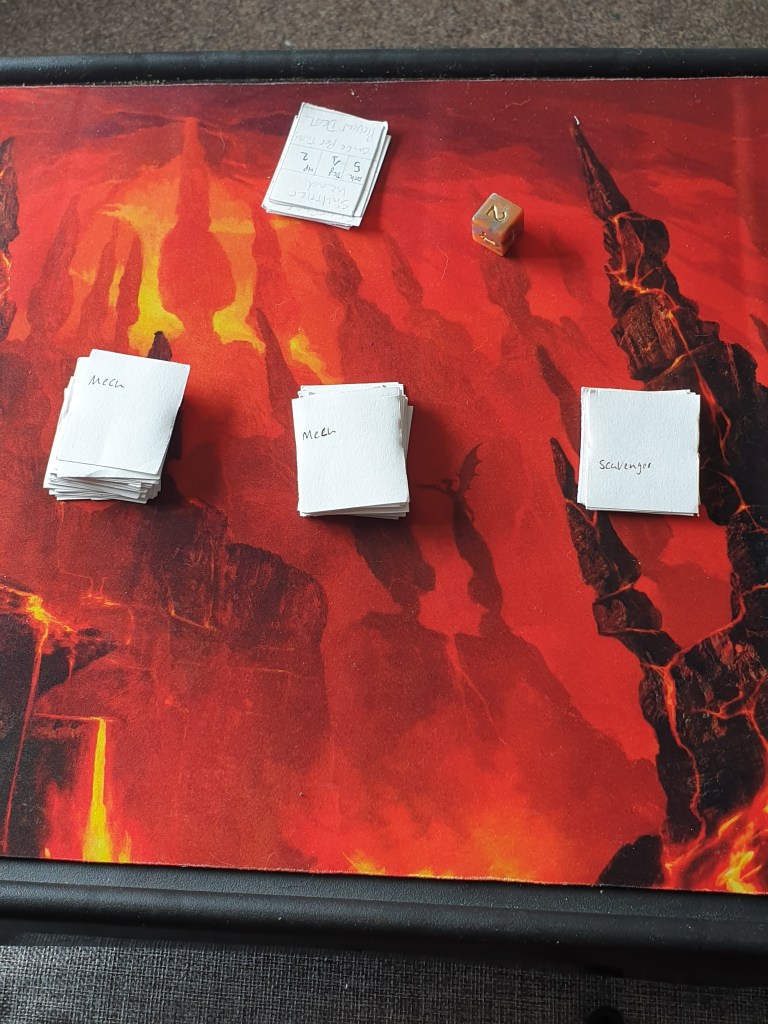
The first idea was promptly scrapped due to technical limitations and being a hinderence to workflow
Second: using google assistant to help make a video, being able to call put what you wanted to have happen and the phone respond, i have done voice activated commands beforehand, but once again i had run into the same problem as beforehand, except now, no matter what i said, the voice assistant would not co operate and wouldnt follow commands that were being put out, all in all making the second test for recording a grand failiure, as not only did i have no footage, there is probably someone outside who thinks i am having arguments with my phone because it wont respond to me.
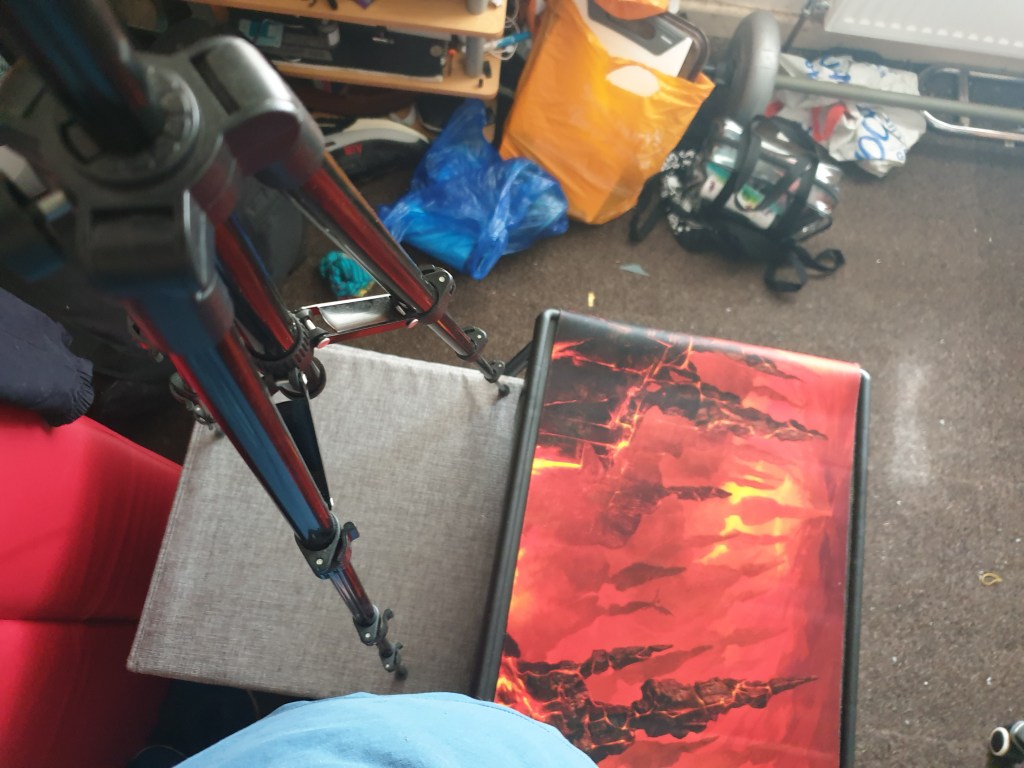
Third and final test: though it was a considerable stretch, but my last thought for making my own job a little easier and not mess around with the tripod or camera and have everything fall apart, would be to use a PS4 controller and pair my phone to the controller and use it in a way that would give me complete control over the phone with precise control over where i was looking, without looking at the phone.
This last idea was a lot more of a success, i was able to fully move around my phone with ease, being able to use the directional pads for movement, x and circle for yes and no, and square and triangle to zoom in and out, even being able to use the touch pad for focus and zoom, but wasnt as easy to use as just pressing a button and r2 and l2 to change camera mode
This gave me a lot more free reign and made recording a considerably lot faster, as it has given me the ability to pause and record without constantly moving back and forth and having to readjust the tripod when it does it get accidentally knocked over or pushed, which is scary as all hell. Although came withba major downside, i still had to watch the screen to be able to maneuver through the apps i needed to use at the time.
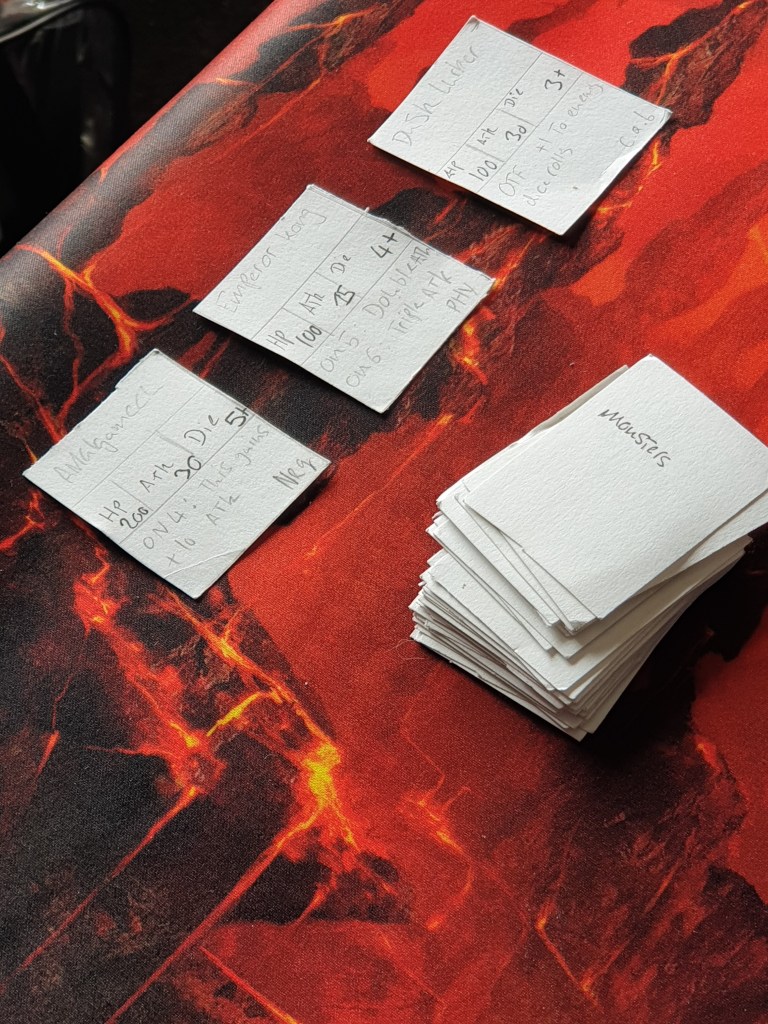
I had also tried using text to speech reader as i would be navigating, it worked in certain areas, but overall, navigation and being quick about switching between apps and being discreet while finding certain buttons to end and play recordinfs wasnt a strong suit of TTS, as it is known for detailing everything you hover over. Throught trialing and finding what i could and couldnt use, i had decided to go against using TTS for the making my trailers and documentary as it would be rather distracting for people and myself, as working and having a bot constantly bombarding you with words isnt very easy to deal with for my own sake.
As for making my documentary itself, i will using davinci resolve and learning how to use it to create the desired items before the end of the semester.
 oh no its a creative ideas blog (Archies yr 3 blog)